Many users enjoy PP Cine APK on Android devices, but when users want to use it on an iPhone or iPad, things get a little confusing.
A common question people search for is:
“Can I install ppcine apk for iOS?”
In this guide, you’ll get a clear and honest answer, along with safe alternatives and practical solutions.
Can you install it on iOS?
No, it is only designed for Android devices. iOS does not support APK files. Apple devices use a completely different file system(IPA) and only allow apps from the official Apple App Store. Some websites may claim you can download it on iOS, but they are often unsafe and can harm your device or steal your data. The better option is to use this streaming app on an Android device or choose safe, legal apps on an iPhone for a smooth experience.
Why PPCine does not work on iPhone
Here are the real reasons behind it.
Different Operating System:
- Android uses APK files.
- iOS uses App Store apps (IPA format)
Apple’s Security System:
- iOS is very strict.
- It doesn’t allow unknown apps easily.
No Official iOS Version:
- This media platform does not have an official iPhone App.
That’s why most “install tricks” you see online are either fake or risky.
What Actually Works? (Real Solutions)
Now let’s talk about practical options that make sense
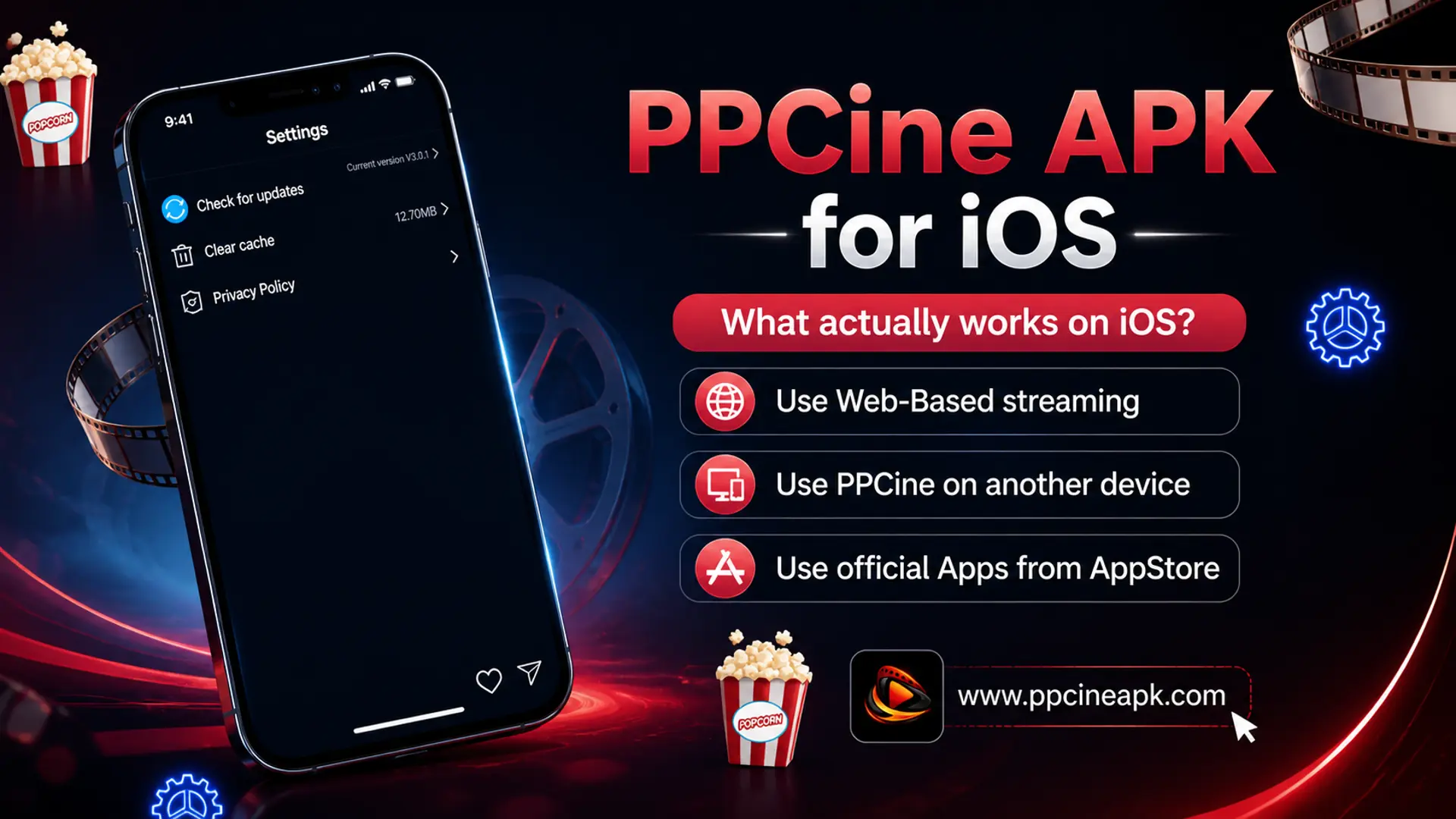
Use Web-Based Streaming:
Instead of downloading, you can:
- Open the Safari browser
- Use trusted streaming websites
No installation, less risk, quick access
Use Official Apps from App Store:
- Stable performance
- Better security
- No installation issues
This is the safest long-term choice.
Use this APK-based streaming services on Another Device:
If you really want this streaming app
- Install it on an Android phone
- Or use Android TV / Firestick
- Cast to your TV
This gives you a better experience than forcing it on an iPhone.
Conclusion
As we have discussed, this platform is not available for iOS, and there is no reliable way to install it on an iPhone or iPad.
The smartest approach is to:
- Avoid fake methods
- Use safe alternatives
- Or switch to a supported device
Being informed saves your time, effort, and device safety.